Millionaire Services The Millionaire Blueprint: Crafted for Success
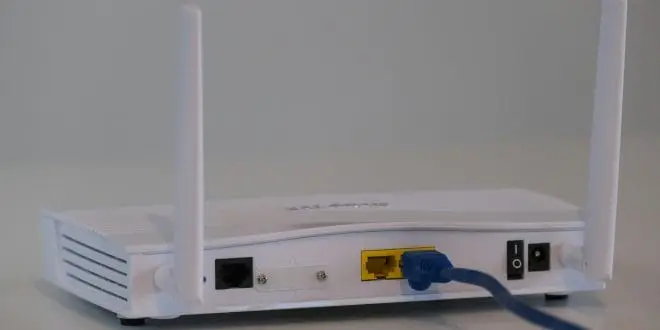
Unsecured Wi-Fi increases your risk.
If you use wireless internet at home, securing it with a strong password is essential. Otherwise, nearby users can connect without permission. Even worse, unsecured Wi-Fi gives hackers access to sensitive data like login credentials or bank information. Because many public hotspots lack proper encryption, your data becomes an easy target. That’s exactly why you must secure your wireless network now to protect your privacy.
Public networks create major exposure.
Although free Wi-Fi is convenient, it comes with serious risks. Since these networks rarely require passwords, your online activity can be monitored. Above all, note that anything you type—emails, passwords, credit card numbers—can be intercepted in real time. Therefore, proceed cautiously when using public internet. To stay protected, opt for secure networks and always use encryption whenever possible.
Hackers disguise fake networks.
Therefore, to trick users, hackers often set up fake Wi-Fi hotspots that appear legitimate. For example, they might name them after local cafes or stores. If you connect without checking, your data travels through the hacker’s system. Consequently, they can monitor everything you do online. This method, known as a man-in-the-middle attack, is becoming more common. Thus, always verify a network’s name before connecting.
Wireless signals are vulnerable.
Even private connections transmit data through radio waves. With the right tools, hackers can intercept these signals easily. Think of it like tuning into someone’s radio station without their knowledge. Once inside your network, intruders may steal files or plant malware. So, although your device feels secure, open networks expose you to hidden threats.
Encryption offers strong protection.
Instead of using public Wi-Fi, consider encrypted solutions. Services like Private WiFi encrypt everything you send or receive. In addition, virtual private networks (VPNs) mask your IP address and location. While these tools add another step, they also add crucial layers of defense. The more secure your connection, the lower your risk.
Secure your home router completely.
At home, your router needs just as much attention. First, change the default network name and password. Then, use WPA3 or WPA2 encryption standards. Furthermore, update your router firmware regularly to patch security flaws. Although often overlooked, these steps prevent unauthorized access and strengthen your network’s integrity.
Build daily habits for privacy.
In conclusion, protecting your wireless network should become routine. Avoid connecting to unknown hotspots, use encryption tools, and choose strong passwords. Even small habits create strong defenses over time. Since cybercrime works silently, preparation is your best shield. Start today and secure your wireless network every time you log on.
Millionaire Services, LLC participates in the Amazon Services LLC Associates Program, an affiliate advertising program designed to provide a means for sites to earn advertising fees by advertising and linking to Amazon.com. The Safety Trap: A Security Expert's Secrets for Staying Safe in a Dangerous World Home Security: The Secure Dad's Guide: Easy Home Defense Techniques to Keep Your Family Safe Practical Home Security: A Guide to Safer Urban Living Defend Yourself: A Comprehensive Security Plan for the Armed HomeownerAdditional Resources:
To learn more, visit safety and security.